Everything included
- Quotes and invoices with your logo
- Deposits
- Online or offline payments
- Payment reminders
- Recurring invoices
Send every client clear quotes, professional invoices and a simple way to pay, the same as the bigger firms do. Your time, materials and purchases go straight onto the invoice. There's no monthly subscription.
Sign up in under 2 minutes · No credit card needed · Works on your phone, tablet or computer
Every feature for $0 a month. You only pay a small fee when clients pay you online. Checks, cash and bank transfers you record yourself are always free.
Some apps cap entry plans at a few clients or invoices a month. Yours are never capped.
Others often charge per person, every month. Add your whole team at no cost.
Your clients receive clean quotes and invoices with your logo, clear line items for your time and materials, and a Pay now button for card or bank transfer, with no account to create.
Payments securely processed by Stripe

Track and Invoice is built for people who bill by the hour, buy materials for clients, and juggle several projects at once.
IT professionals, consultants, freelancers, bookkeepers
Contractors, electricians, plumbers, landscapers, cleaning services
Interior designers, architects, photographers, event planners
Coaches, tutors, wellness pros, pet sitters and dog walkers
If you bill clients for your time or materials, Track and Invoice works for you too.
It takes four steps, and you won't need any training.
Log time, materials and billable expenses, on site or at your desk. Add descriptions, notes and receipts.
Every entry is tied to a client and project. No double entry, and you can see what's billed and outstanding at a glance.
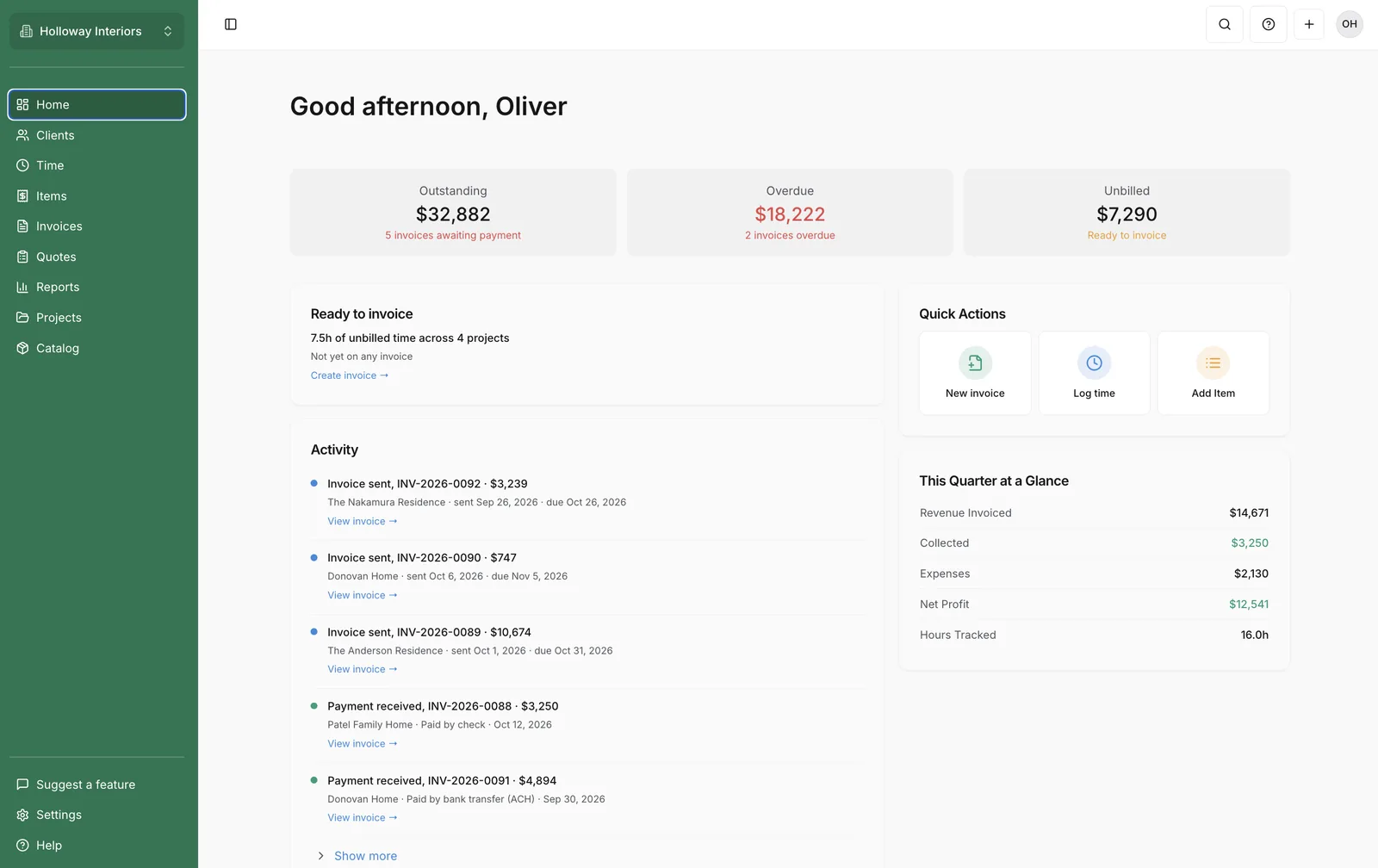
Turn your work into a professional invoice and send it in a click. See what's paid, overdue and outstanding in one place.
Clients pay by card or bank transfer (ACH), or you record cash and check payments. You choose whether you or your client covers the online fees.
No more juggling spreadsheets, sticky notes and payment apps. Track and Invoice brings it all together.
Track hours and everything you buy or supply for clients. Log it on site, tie it to a project, and pull it straight into an invoice.
Send PDF invoices by email in seconds. Mark up materials or pass them through at cost, and set each line as taxable or not.
See revenue by client, what's outstanding, and time billed, without needing an accountant to read it.
Send a quote, and your client accepts and signs it online. Ask for a deposit up front, and it's credited on the final invoice automatically.
Choose which reminders to send: 3 days before the due date, on the due date, and 7 and 14 days after. They stop the moment an invoice is paid.
Bill retainers and flat fees on a schedule. Review each one as a draft or send it automatically, and pause anytime.

There's no monthly fee. We only earn when your clients pay you online, so our incentives line up with yours.
$0per month
Work on your own or with a team and you get every feature. There's one plan, so there's nothing to upgrade to.
Online payment fees, only when your client pays online:
You can choose to absorb these fees or pass them on to your client. The choice is yours.
No. There's no subscription and no trial that turns into a charge. Every feature is included for $0 a month. We only earn a small fee when your clients pay you online by card or bank transfer. Read more about plans and pricing.
Card payments are 3.5%, and bank transfers (ACH) are 1.25%. Cash and check payments you record yourself have no fee. You choose whether your client pays the fee or your business covers it. On a card payment under about $60, Stripe's own fee can be more than 3.5%. That difference comes out of your payout. See how online payments work. Learn more about card and bank fees.
You can send invoices and record cash, check or other payments yourself. Turn on online payments whenever you're ready, so clients can pay by card or bank transfer. See how to connect online payments.
Invoices, clients, projects and team members are all unlimited. Read more about plans and pricing.
You can import clients, projects, tasks, time entries, catalog items, and invoices with their payments from a spreadsheet. The import page matches the columns, and it recognizes Harvest and Moxie files on its own and fills in a recommended mapping you can change. If an import looks wrong, an Admin can undo the records that have not been used since, from Import history. There is nothing to cancel or pay to try it alongside what you use now. See how to move from another tool.
Your clients' card and bank details are never stored by Track and Invoice. Stripe, one of the world's largest payment companies, processes those payments. Everything you send and receive is protected by an encrypted connection. Read about your data and security.
There's nothing to download. Track and Invoice works in the web browser on your phone, tablet or computer, so you can log time and materials, and send an invoice while you are still on site.
You choose which reminders to send for each invoice: 3 days before the due date, on the due date, and 7 and 14 days after it's due. They stop as soon as the invoice is paid, and you can turn them on or off for your whole account in Settings. Recurring invoices are created on the schedule you set, either as a draft for you to review or sent automatically, and you can pause or end a series anytime. Learn how payment reminders work. See how to set up a recurring invoice.
New invoices start from Default payment terms under Settings, then Invoices & Quotes. The choices are Due on Receipt, Net 7, Net 15, Net 30, Net 45, and Net 60. You can change Terms on any invoice, including Custom when you set the due date yourself.
If you are switching from FreshBooks, HoneyBook, Wave or another app, you can bring in your clients, projects, tasks, time entries, products and services, and invoices with their payments. An Admin can undo records that have not been used since, from Import history. There's nothing to cancel or pay to try it alongside what you use now.
See how we compareTrack and Invoice was founded by a small service business owner who needed it to run their own business, and still uses it every day.
There's no setup fee and no training needed. Sign up and send your first invoice in minutes.
Create your accountNo credit card needed · Sign up in under 2 minutes